START SEARCHING
First steps
1. FIRST
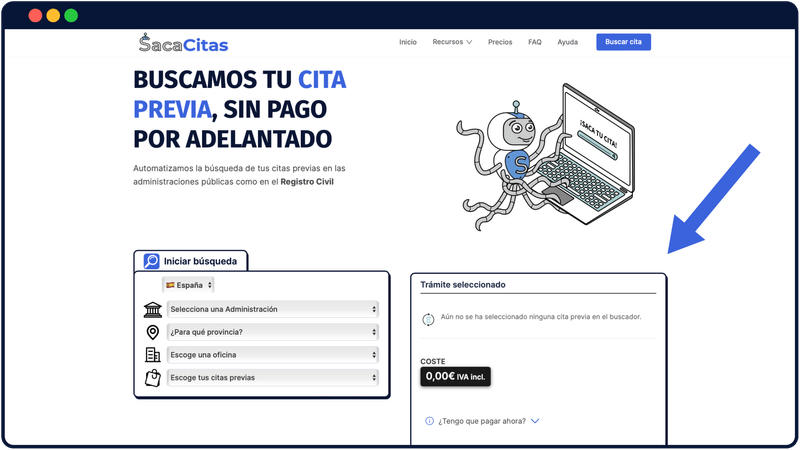
Access the search engine
From the home page, go to seeker. Select your country and the Public Administration in which you want to search for the appointment. Then indicate the appropriate place and office. Finally, choose the previous appointment you want to search for
2. SECOND
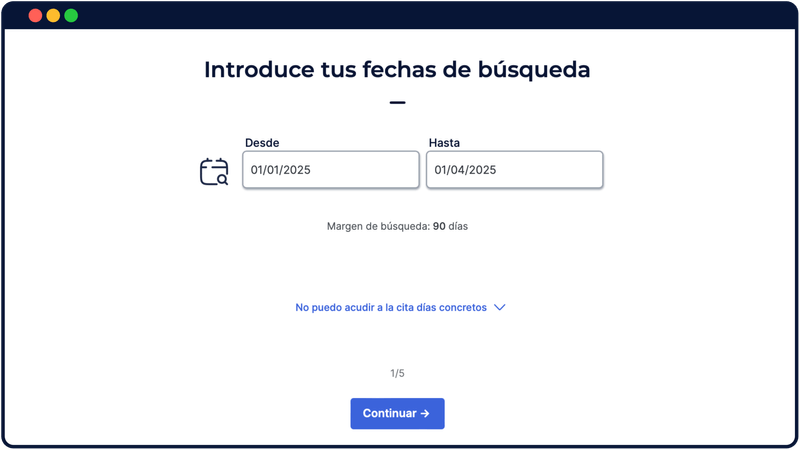
Select search dates
Once you have selected the appointment you want to search for, you will access the form in which you must enter the search dates. Select the dates that best suit your availability to go to the office. Select from a starting date to an end date when the reservation will be made. The wider this range, the more likely you are to be able to book an appointment
3. THIRD
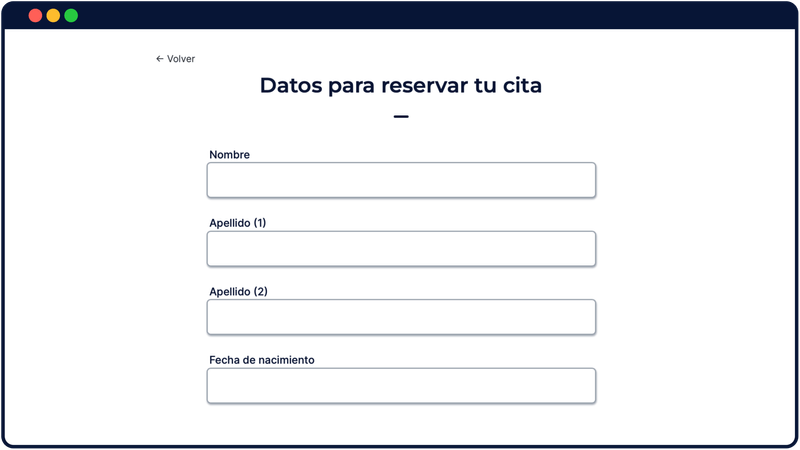
Provide booking information
Complete the rest of the form by entering your personal details to make the reservation with them. Depending on the procedure, you may need to include additional information required by the Public Administration itself in order to book the appointment.
4. FOURTH
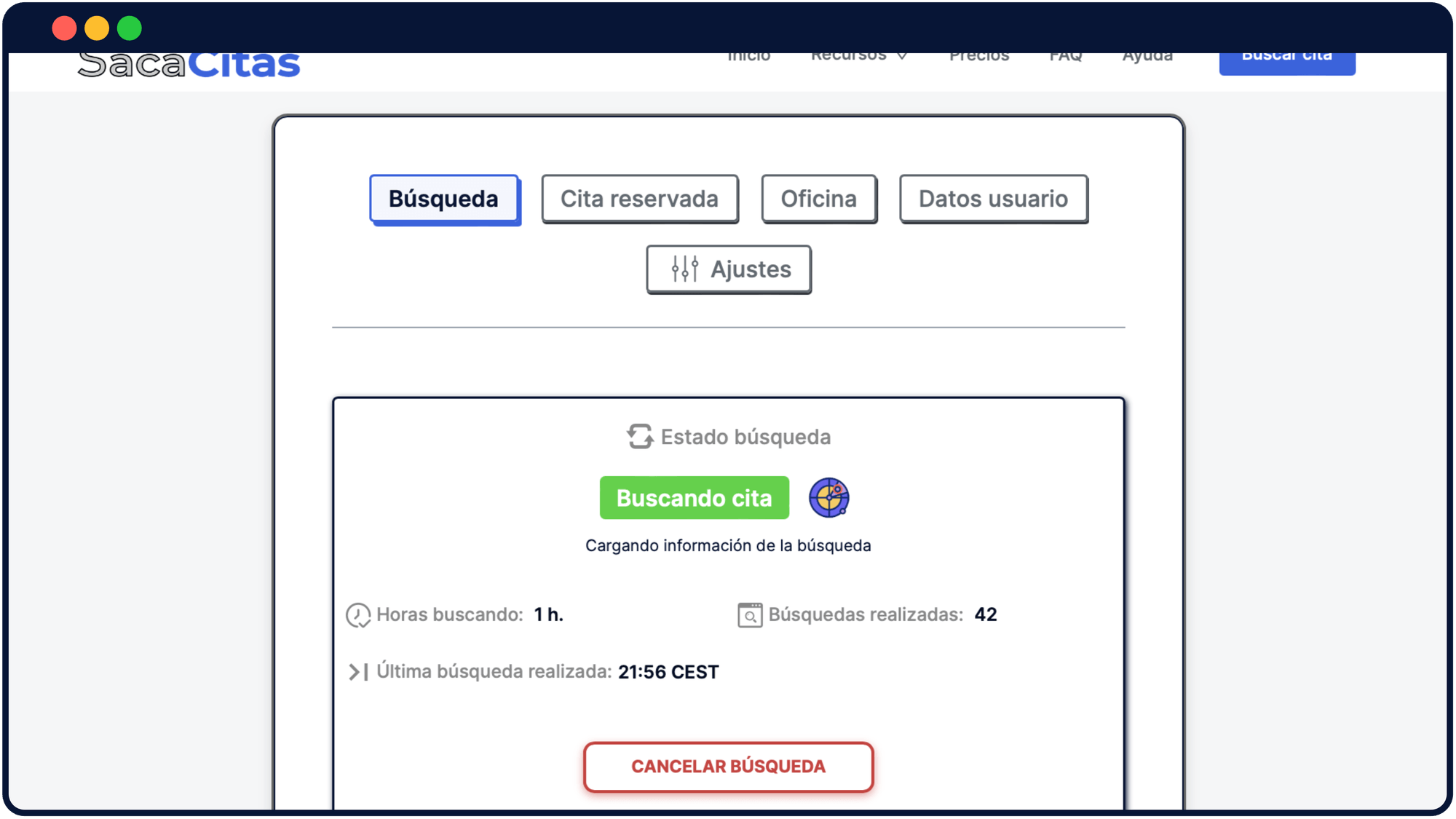
Check the search status from your profile
Access your personal profile or private search link. From this section you can check the search status of the appointment, modify the search dates and make other adjustments. If the appointment is booked, all the information will appear in your profile.
We don't create user accounts with a traditional username and password, we generate a unique search code for you, with the same level of security as a normal password. You can access your profile at any time by saving the link or link to your profile page, you can also find this link in your email, we usually include it in all emails related to your search
EXTRA
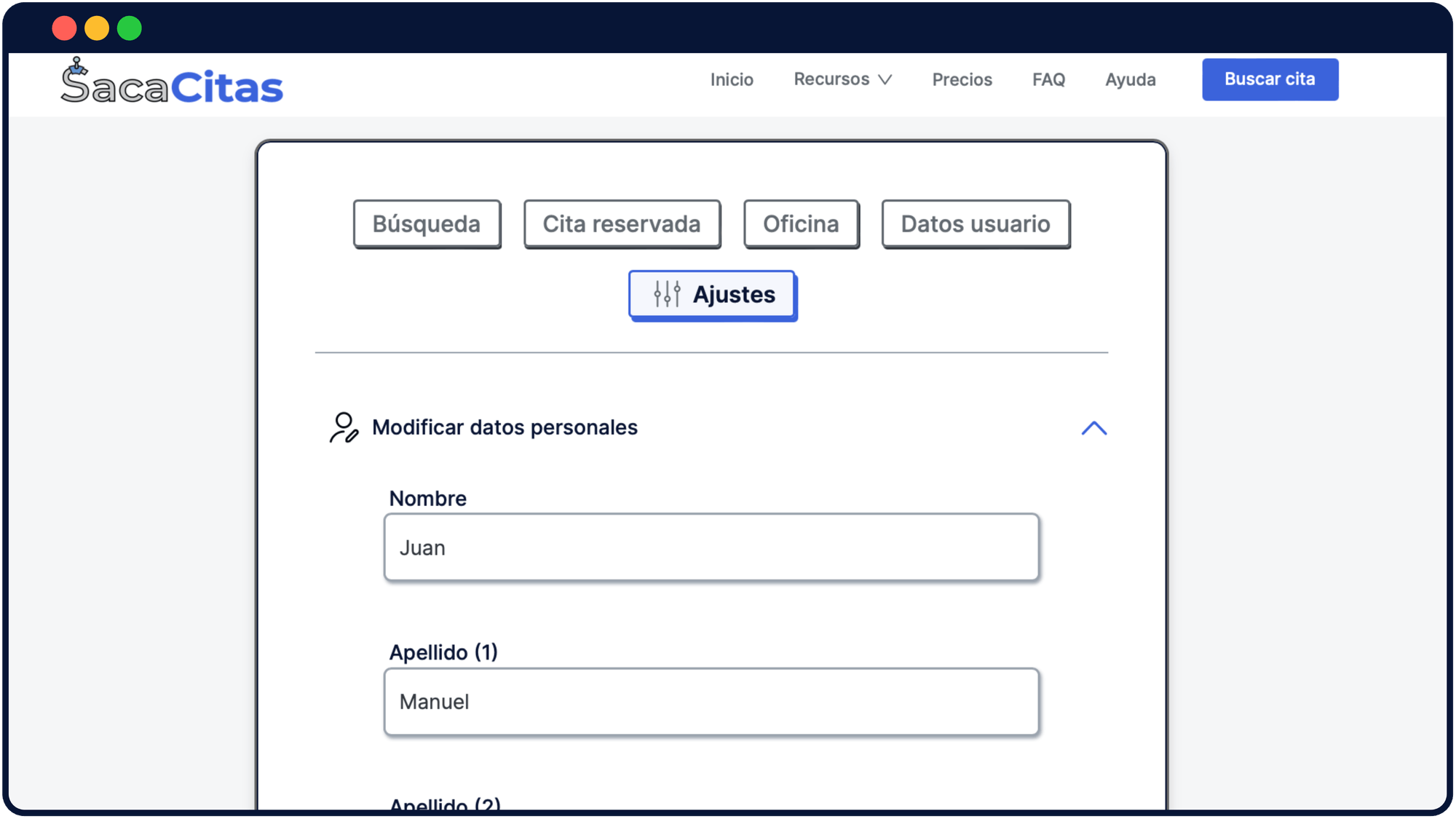
Change search dates or personal details
Even if you've already started a search, you can make changes to it. If, for example, you want to change the search dates or your personal data, simply access the “Settings” tab in your profile and make the modification you want.
START LOOKING FOR YOUR APPOINTMENT
We automate the search for your previous appointments in public administrations
Find an appointment
HELP
Frequently Asked Questions
Visit the full answers section in our FAQ